 Kiana
Every game you own, in one place.
Sort your library at your desk. Play it from the couch with a controller.
Free. Early release, version 0.1.0. Intel Mac? Get this one.
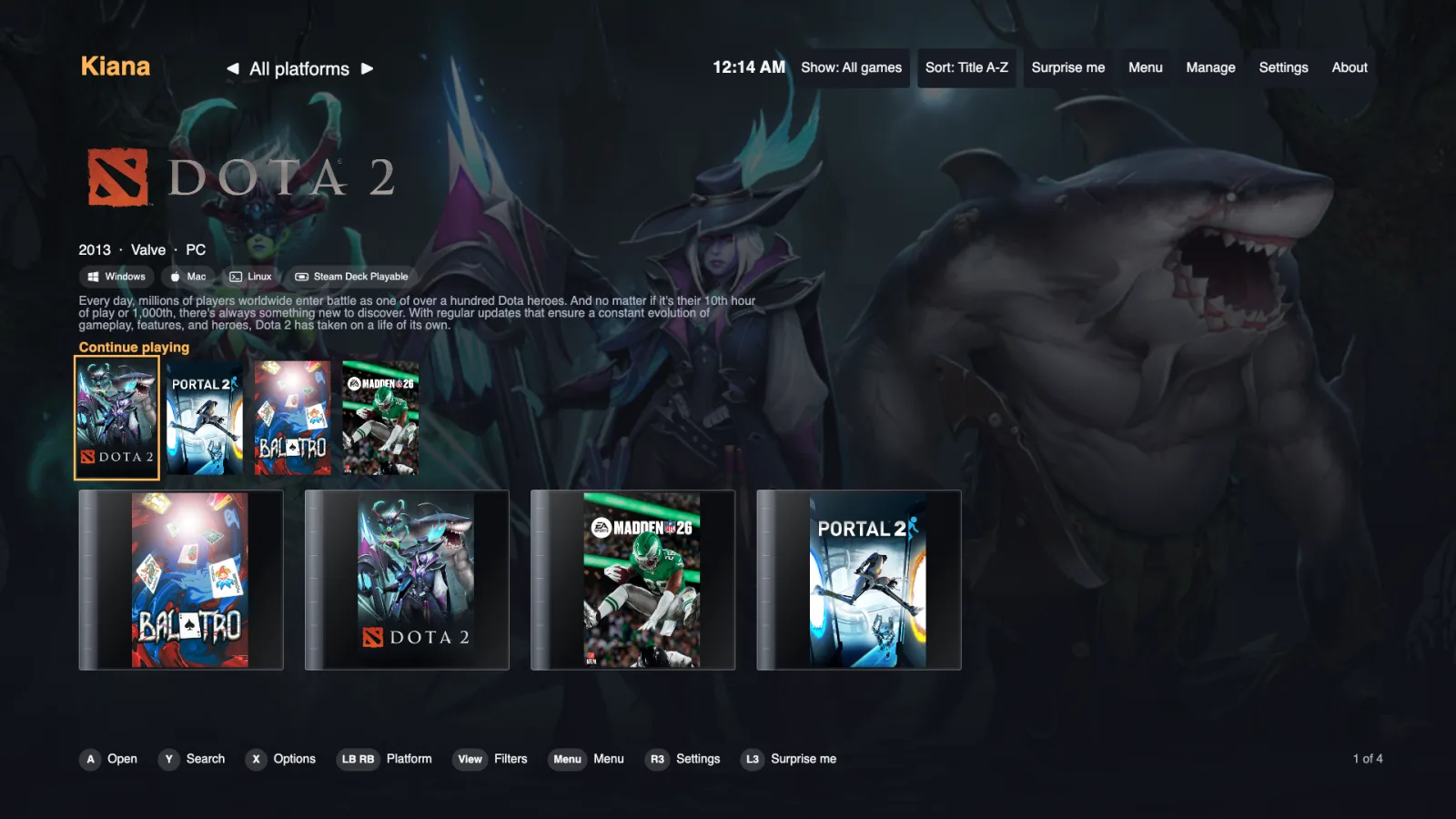
Two modes, one library
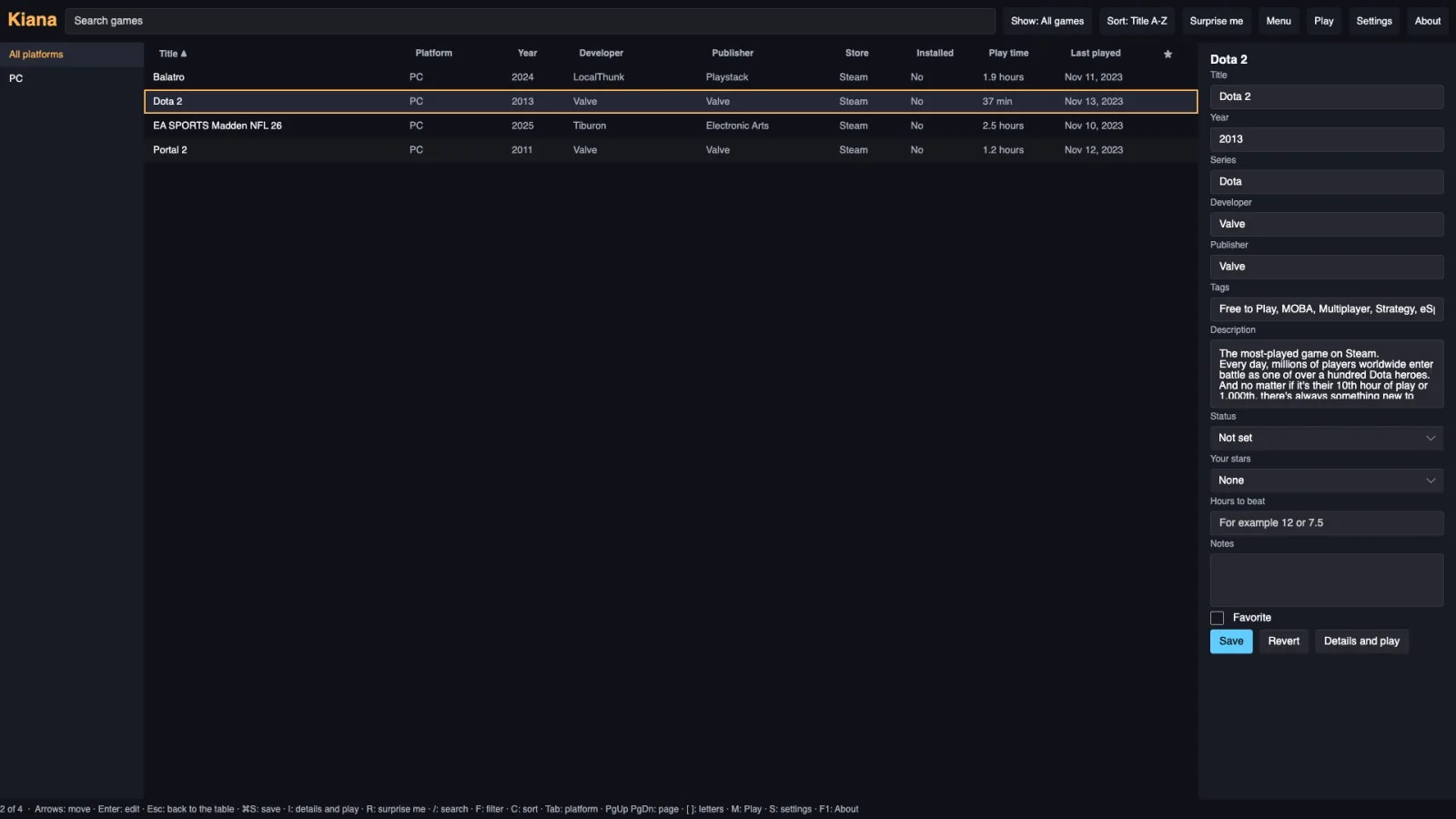
Manage, at your desk
A fast table of every game. Search, sort by play time or last played, fix details, add notes, stars and how long a game takes to beat.
Play, on the couch
Big pictures, controller first. Start a game, and Kiana comes back to the front when you quit.
What it does
All your stores
Steam, Epic and GOG games you own, plus Xbox games installed on a Windows PC, and any other program you add. A game you own twice shows once.
Your play history
Hours played, last played and achievements, straight from Steam.
Your way of sorting
Collections, smart collections that fill themselves, filters, hiding, and a status for every game.
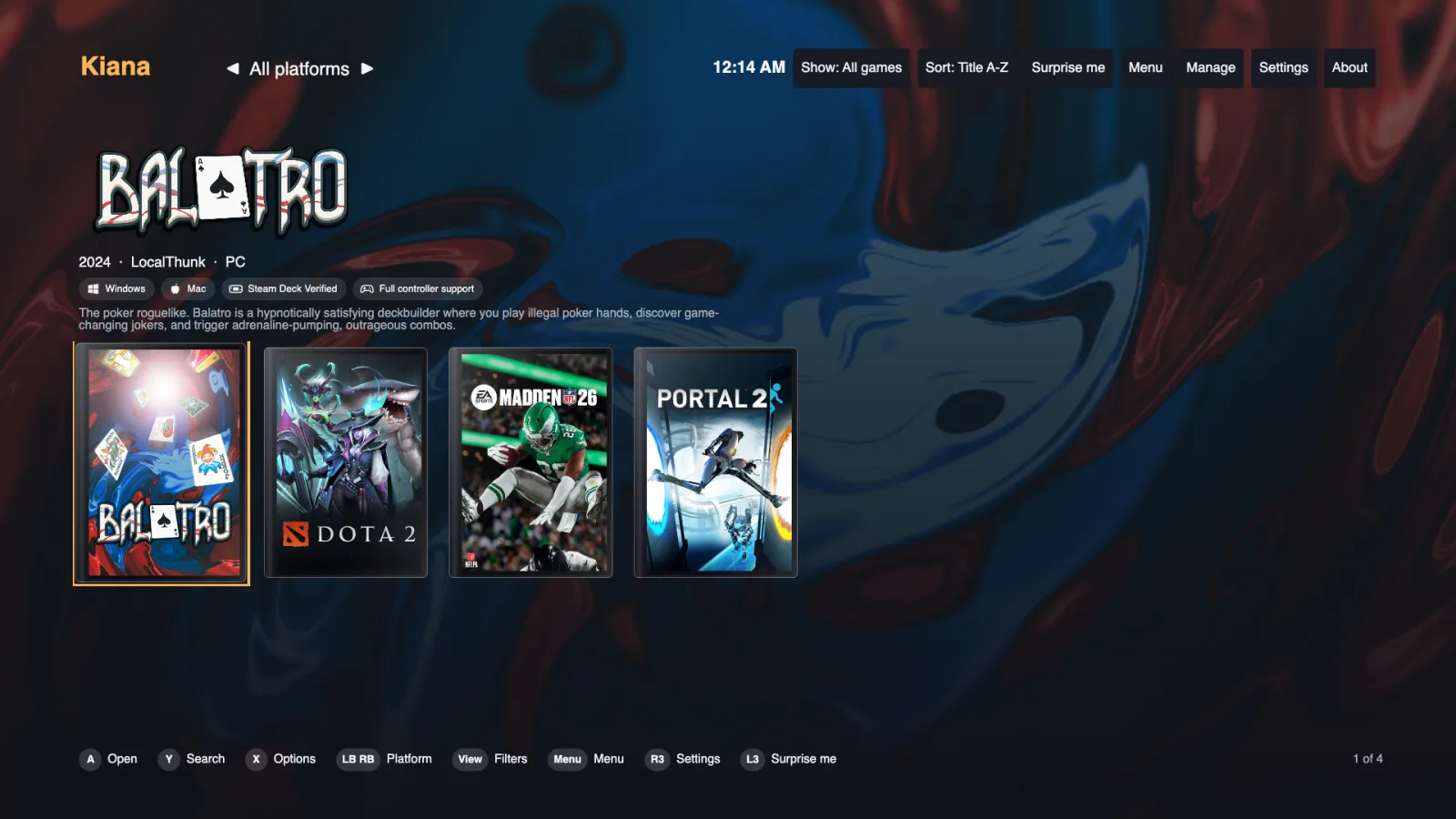
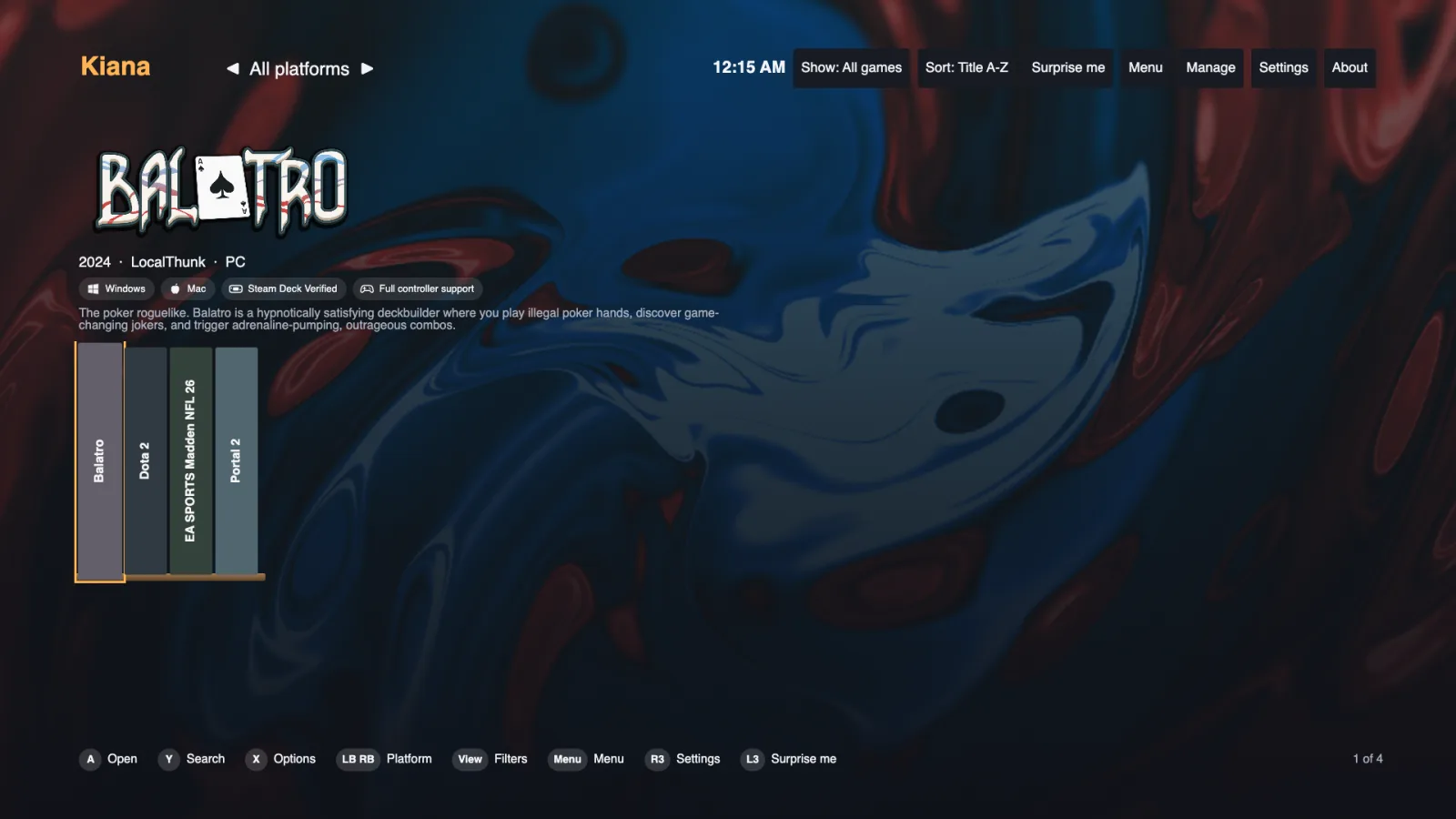
Looks like a shelf
Show covers as plain art, jewel cases, keep cases, cartridges, big boxes, or spines on a shelf.
Made for the TV
Button hints for Xbox, PlayStation and Switch controllers, buttons you can change, a screensaver, trailers and an on-screen keyboard.
Everyone at home
Separate profiles, so each person has their own favorites, stars and notes.
Wishlist and sales
Your Steam wishlist, with a heads-up when something on it goes on sale.
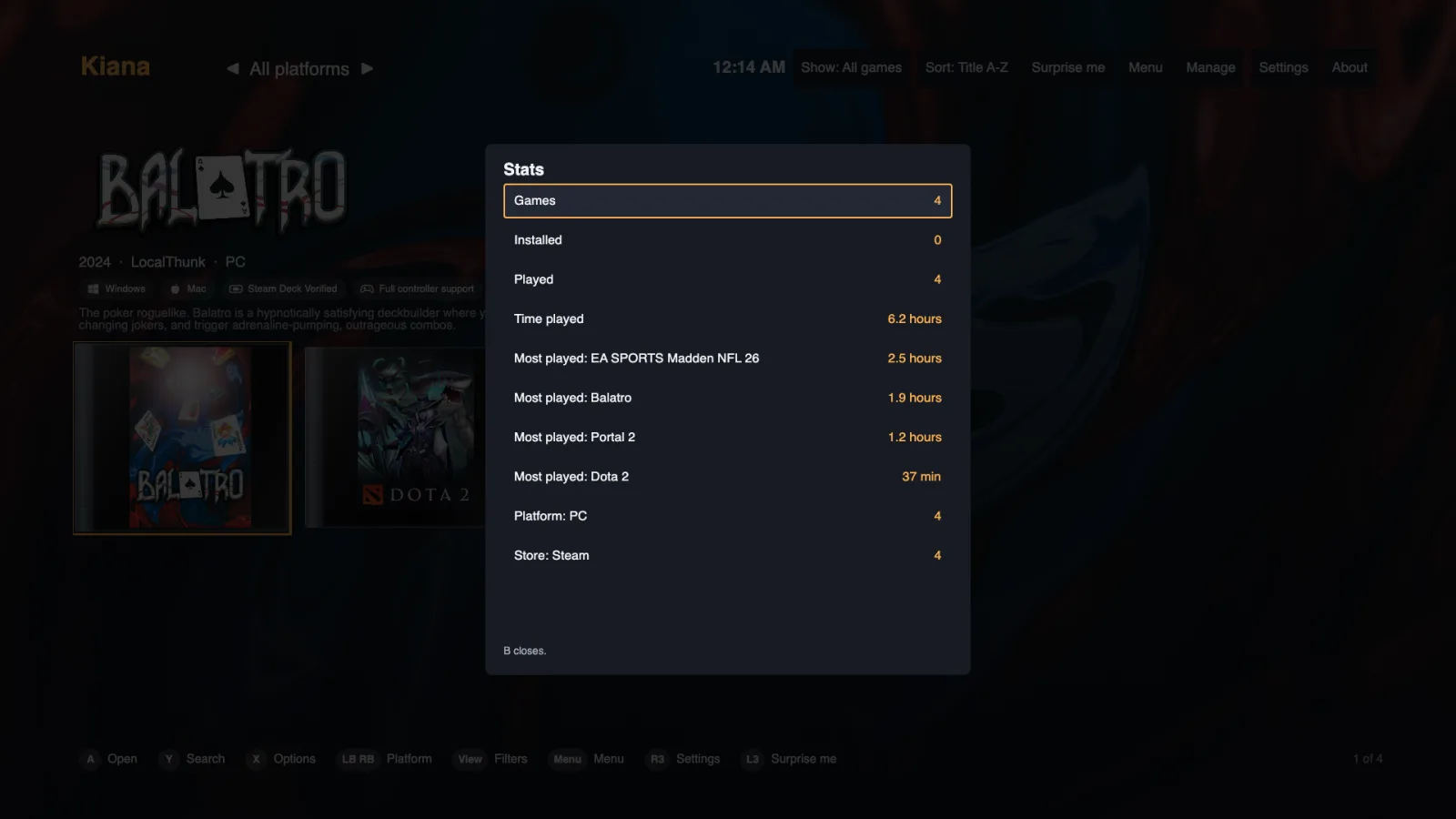
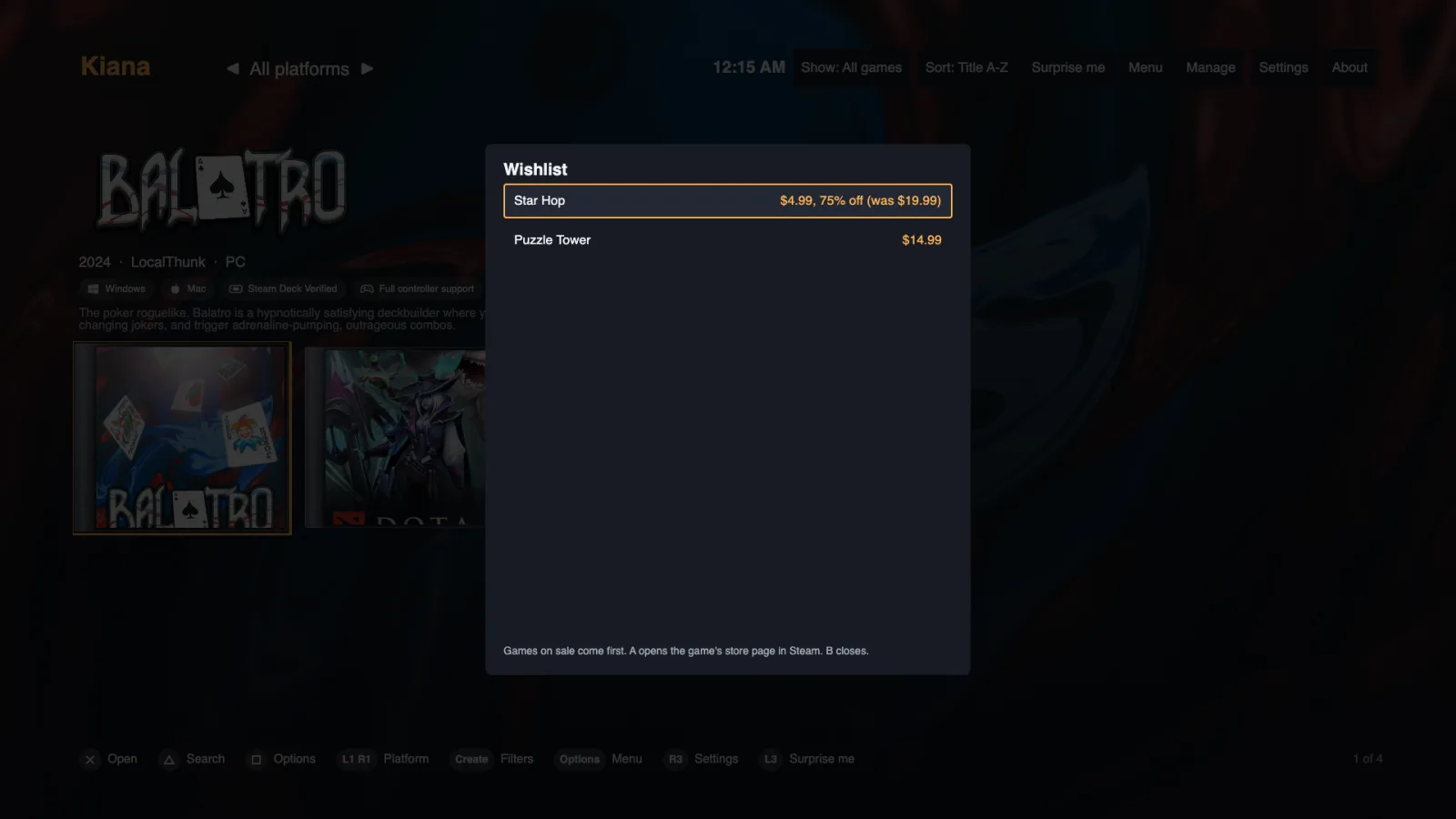
Get it running
Download and open it
On a Mac, unzip it and drag Kiana into Applications. On Windows, unzip it and open Kiana. Windows shows a blue warning because the program isn’t signed yet. Click More info, then Run anyway.
Add Steam
Go to Settings, then Steam. Kiana finds installed games on its own. To list every game you own, add your Steam profile and a free Steam Web API key. A button there opens Steam’s key page.
Add the rest
Settings, then Other stores, for Epic and GOG. You sign in on the store’s own page, so Kiana never sees your password.
Where this release stands
Tested
- Steam on a Mac with a real 4,600-game library: games, art, play time, achievements and wishlist
- Every screen, plus automatic checks on Mac and Windows
Not tested yet
- A real Windows PC, which is the big one
- Signing in to Epic and GOG with real accounts
- Rumble and button pictures on a real controller
Epic and GOG sign-in isn’t official and could stop working if those stores change things. Expect rough edges.
What you need
- Mac
- macOS 11 or later
- Windows
- 10 or 11
- Controller
- Optional
Download Kiana
Free. Version 0.1.0.
- MacFor Macs with an Apple chip (M1 or newer).
- Mac with IntelFor older Macs with an Intel chip.
- WindowsNothing to install. Unzip and open.